
The before and after photo app
built for real jobs.
Generic before and after apps make collages. Afterproof makes evidence: guided before → after capture for each job, a stamp with where and when, and a report that puts every pair side by side.
Free to start · 7-day Pro trial · iPhone
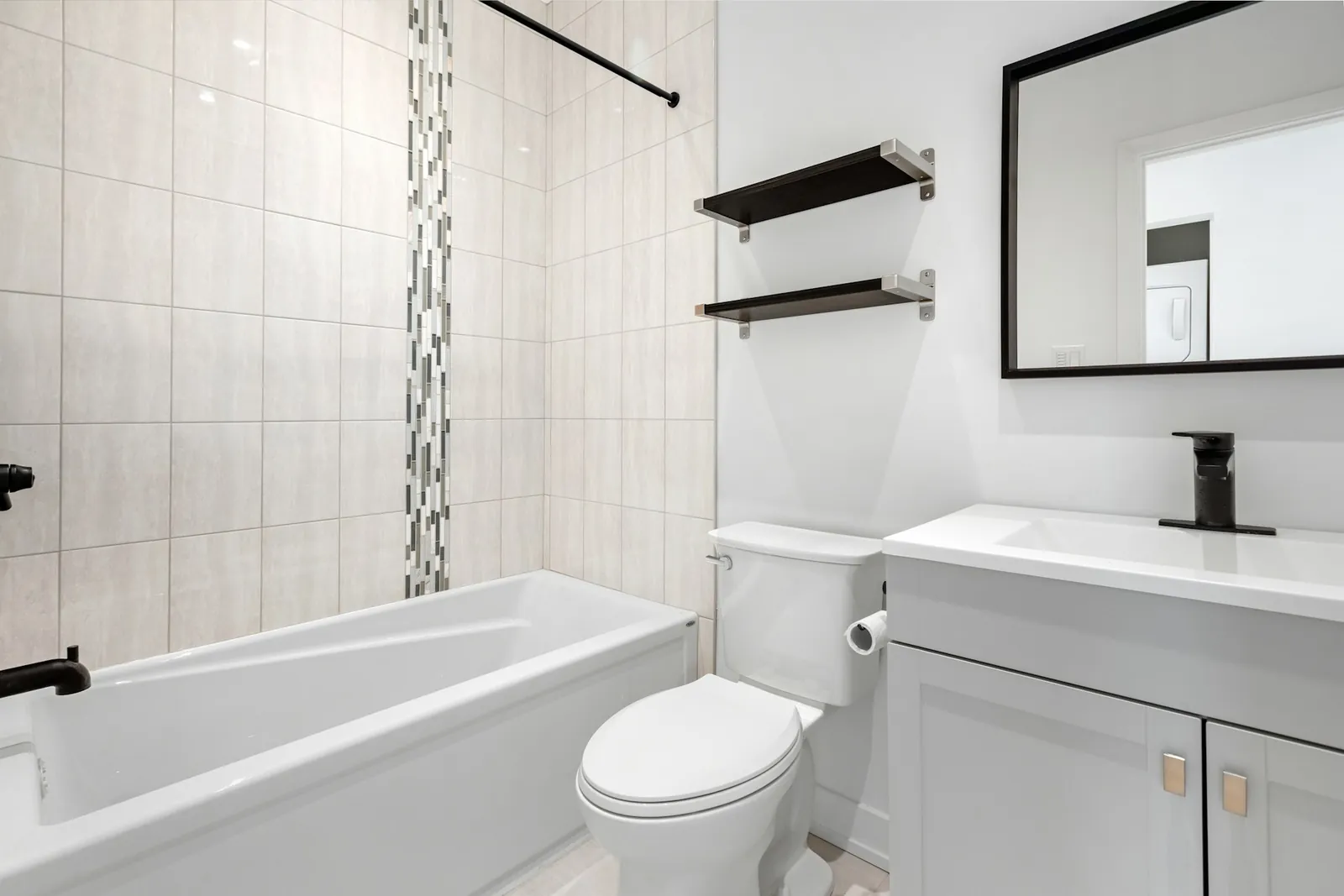
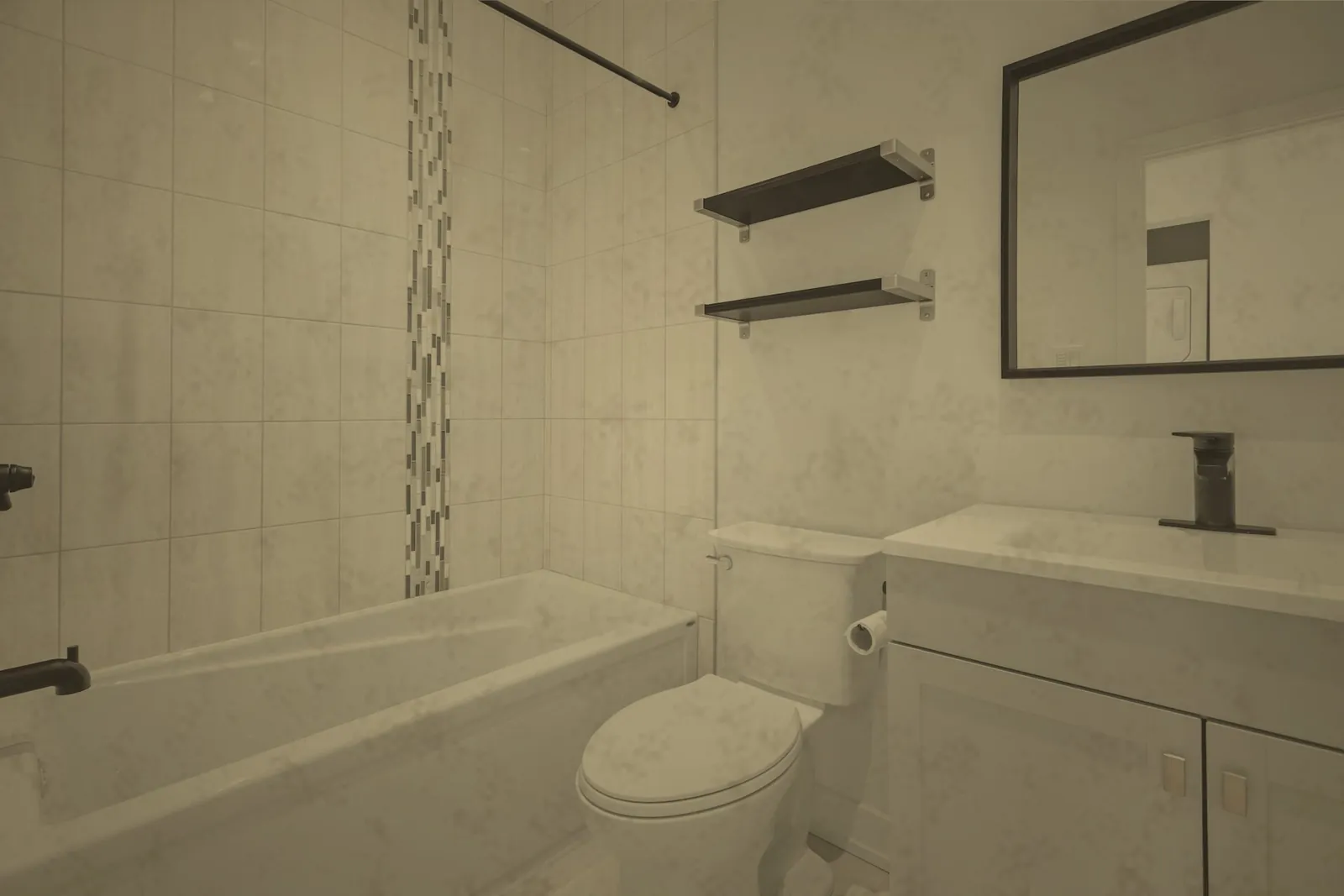
88 Oak Ave, Austin TX
13:05 · 30.267, −97.743
88 Oak Ave, Austin TX
14:20 · 30.267, −97.743
Everything you need, nothing you don't.
Guided before → after
The camera shows which phase you're shooting and how many photos you have, so no room gets missed.
Stamped at capture
GPS coordinates, address, date, time and your business name are burned into the image — they survive WhatsApp.
Side by side, automatically
Photos are grouped by job and phase, then laid out before next to after in the PDF.
Progress shots too
Add photos during the job for longer work like renovations or deep cleans.
Your branding
Your logo and business details appear on the report. Pro removes our watermark.
Private by default
Photos stay on your iPhone unless you choose to sync them.
What makes a good before and after photo
A before and after pair only proves something if it's obviously the same place. Shoot from the same spot and height, include a fixed reference like a window or tap, and keep the lighting the same. Close-ups of the areas people argue about — ovens, limescale, grout — matter as much as the wide shot.
The other half is time and place. Photo file data is often stripped when images are forwarded, so a visible stamp on the photo itself is far easier for a client, agent or adjudicator to check.
We cover the full technique in how to take before and after cleaning photos.
01
Create the job
Address from your location, date and type of work.
02
Shoot before & after
Every photo stamped with GPS, address and time.
03
Send report & invoice
A branded PDF by WhatsApp, email or any app.
Frequently asked questions
What is the best before and after photo app for iPhone?
For personal edits a collage app is fine. For work you need to prove, choose one that stamps the date, time and location on the photo and keeps each pair together in a report — that's what Afterproof does.
Is the before and after app free?
Afterproof is free to start with unlimited jobs and photos. Reports beyond the first 5 need Pro.
Can I take progress photos as well?
Yes. Each job has before, in-progress and after phases, so longer jobs can be documented as they happen.
Does it work for car detailing and gardening?
Yes — detailing, window cleaning, landscaping and handyman jobs are built in.
Your next job deserves proof.
Free to start. Send your first before & after report today.