
Timestamp photos
that prove where and when.
A timestamp on its own is easy to doubt. Afterproof stamps each job photo with the GPS coordinates, address, date, time and your business name at the moment of capture — and keeps it with the job it belongs to.
Free to start · 7-day Pro trial · iPhone
On Android?
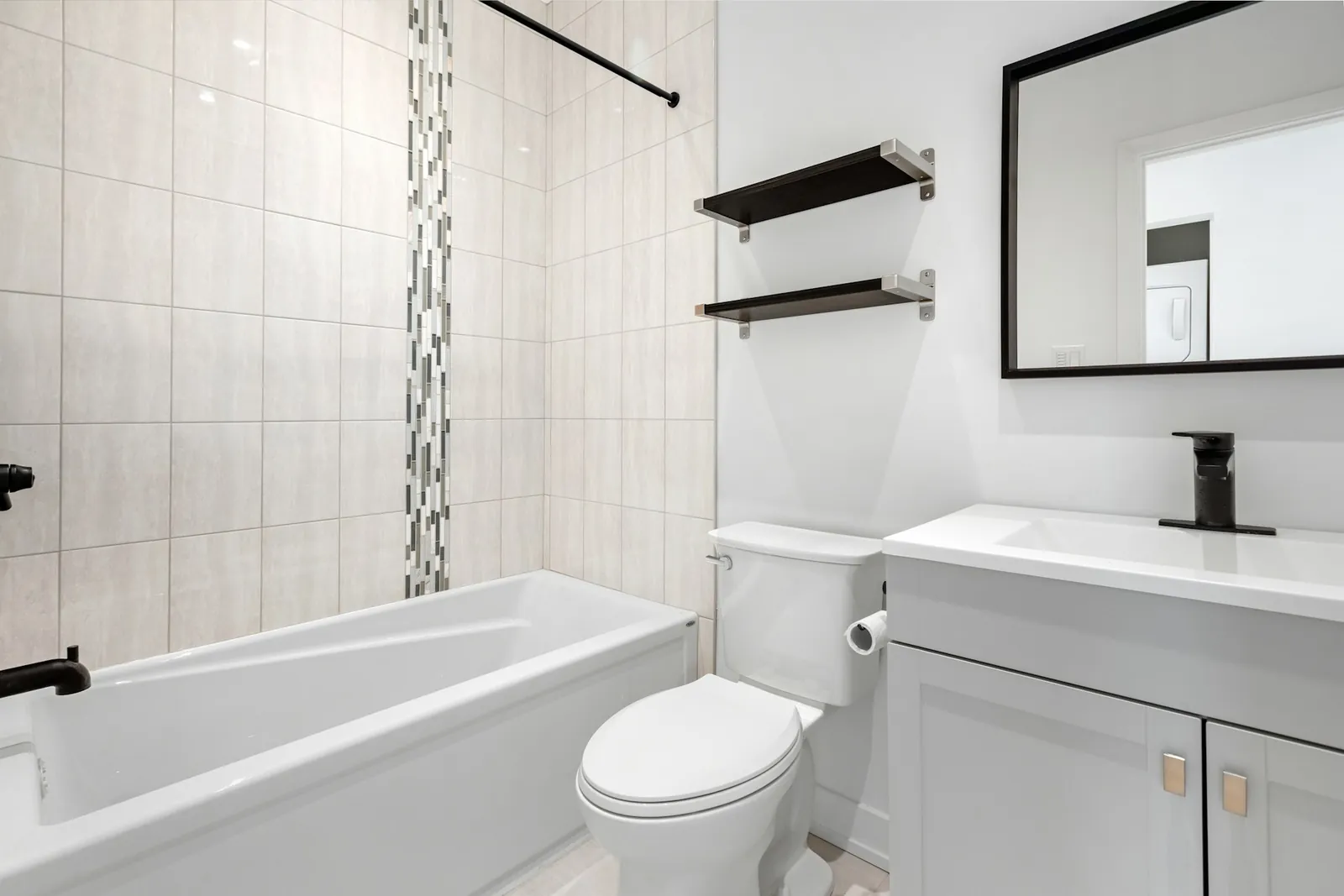

88 Oak Ave, Austin TX
13:05 · 30.267, −97.743
88 Oak Ave, Austin TX
14:20 · 30.267, −97.743
Everything you need, nothing you don't.
Captured, not added later
The stamp is applied when the photo is taken, not as an edit afterwards.
Location and address
GPS coordinates plus the street address, so anyone can see where the photo was taken.
Survives forwarding
Messaging apps strip hidden photo data; a visible stamp stays on the image.
Organised by job
Photos are filed under the job and phase, ready for a report — not lost in the camera roll.
Your business name
Brand every photo with your company name.
Offline capture
GPS works without mobile data, so you can stamp photos anywhere.
Proof-of-work photos that hold up
Proof-of-work photos are only useful if someone else can trust them. That means the time and place should be visible on the photo, taken at the moment of capture, and stored with the job rather than mixed into a personal camera roll.
Afterproof is built for exactly that: it's a job camera first. Every photo belongs to a job, every job produces a report, and every report can be sent in seconds. For tips on composition see before and after photo technique.
01
Create the job
Address from your location, date and type of work.
02
Shoot before & after
Every photo stamped with GPS, address and time.
03
Send report & invoice
A branded PDF by WhatsApp, email or any app.
Frequently asked questions
How do I add a timestamp to photos on iPhone?
The iPhone camera doesn't print a timestamp on the image. Use a camera app like Afterproof that stamps the date, time and location onto the photo when you take it.
Does the timestamp include location?
Yes — GPS coordinates and the street address, plus the date, time and your business name.
Do I need mobile data for GPS?
No. GPS works offline; the address may need a connection to look up.
Can the stamp be removed?
The stamp is part of the captured image, which is the point: it travels with the photo.
Your next job deserves proof.
Free to start. Send your first before & after report today.

On Android?