
The photo report app
for work you need to prove.
A folder of photos isn't a report. Afterproof turns the photos you take on a job into a branded PDF — before next to after, stamped with location and time, with your notes and signature — in about a minute.
Free to start · 7-day Pro trial · iPhone
On Android?
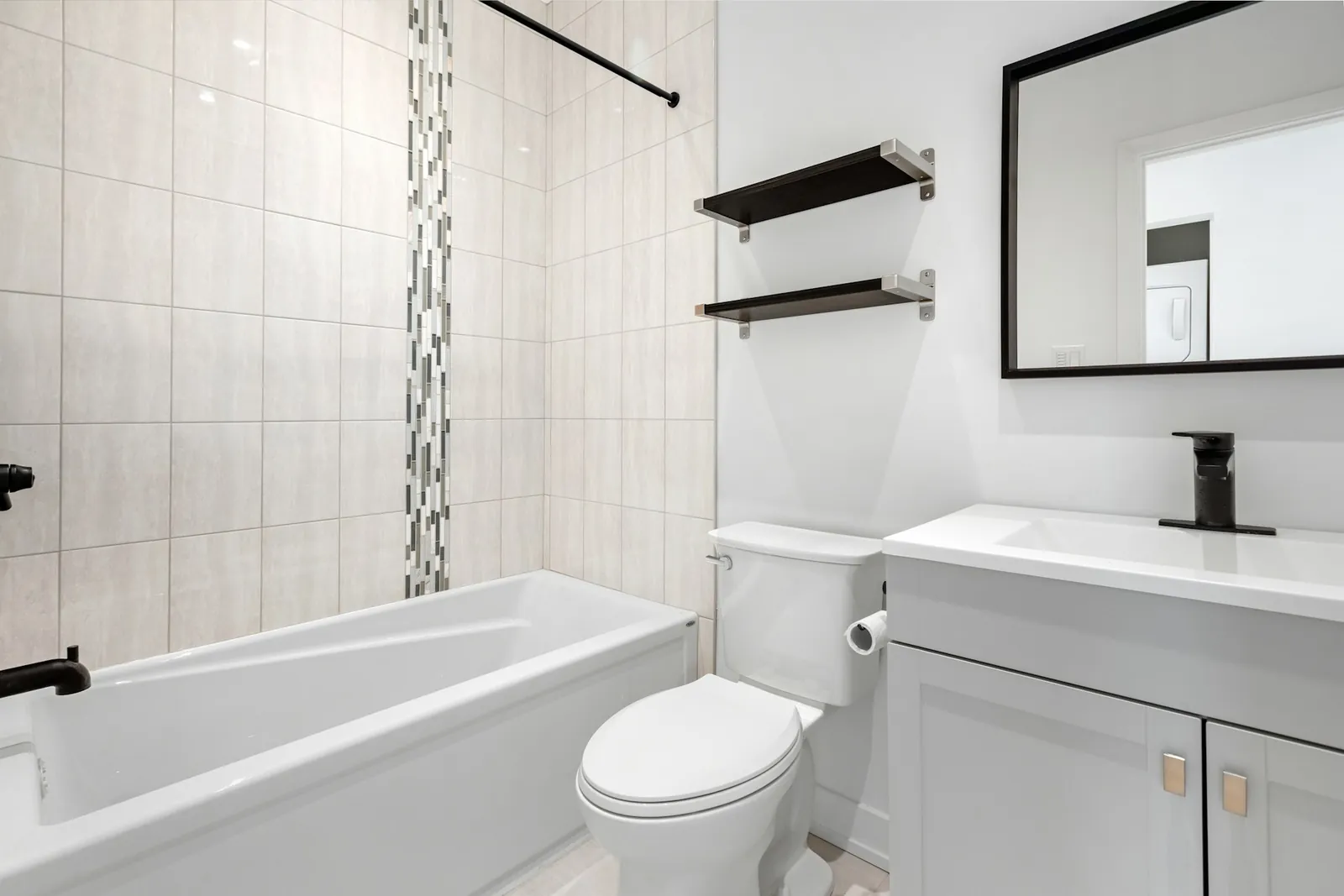
88 Oak Ave, Austin TX
13:05 · 30.267, −97.743
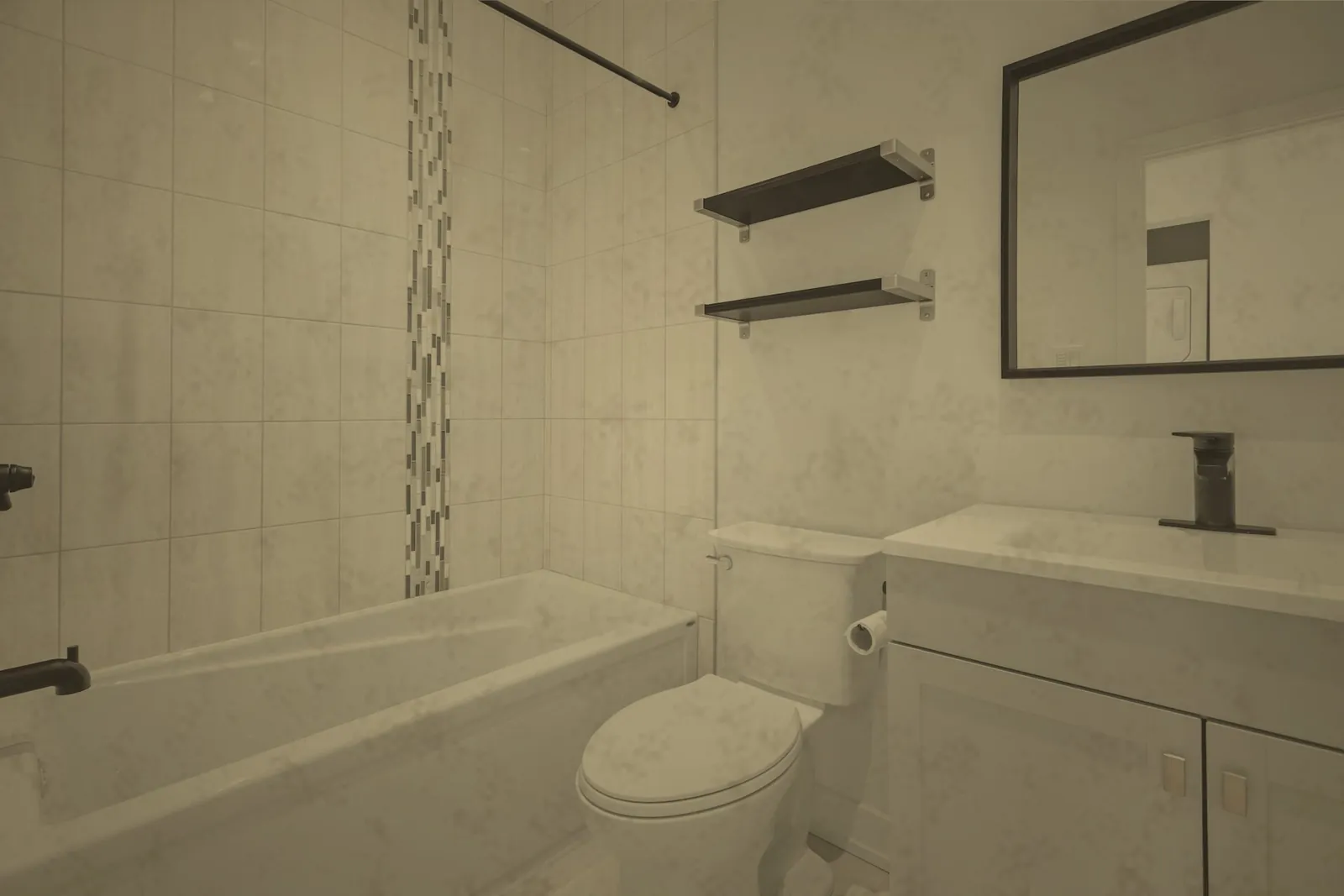
88 Oak Ave, Austin TX
14:20 · 30.267, −97.743
Everything you need, nothing you don't.
From photos to PDF
Pick the job, choose the photos, add notes and sign. The layout is done for you.
Stamped evidence
Every photo carries GPS coordinates, address, date and time captured on site.
Before next to after
Photos are paired by phase, so the reader sees the change at a glance.
Your brand on it
Your logo and business details on every report — no watermark on Pro.
Fields for your trade
Cleaning, car detailing, window cleaning, landscaping and handyman jobs each record the details that matter.
Send anywhere
Share the PDF by email, WhatsApp, AirDrop or any app. The reader doesn't need an account.
What makes a good job photo report
A good photo report answers three questions without a phone call: where was the work done, when, and what changed. That means the address and time on each photo, a clear before and after of each area, and short notes on anything you couldn't fix.
Building that by hand in Word or Google Docs takes an evening. Afterproof builds it from the photos you already took on site, so the report is ready while you're still at the property — when the client is most likely to read it.
Want to see one first? Look at the free cleaning report template for the structure we use.
01
Create the job
Address from your location, date and type of work.
02
Shoot before & after
Every photo stamped with GPS, address and time.
03
Send report & invoice
A branded PDF by WhatsApp, email or any app.
Frequently asked questions
Is there a free photo report app?
Afterproof is free to start and includes 5 PDF reports. Pro gives unlimited reports without the watermark.
Can I add my logo?
Yes. Add your logo and business details once; they appear on every report.
Does it work for site photo reports?
Yes, for small jobs and property visits. It isn't built for large construction projects with many contributors.
What format is the report?
A PDF you can share from your iPhone to any app.
Also built for
Your next job deserves proof.
Free to start. Send your first before & after report today.

On Android?